
What to automate first in Shopify store
What to automate first in your Shopify store
The first thing to automate in a Shopify store is not the loudest workflow. It is the one where faster work leaves you with a healthier store and more money at the end of the week.
That sounds simple, but in practice stores often begin somewhere else. They start with ads because ads are visible. They start with a new tool because the demo looks convincing. Meanwhile the store still needs someone to keep an eye on pricing, product pages, inventory, orders, tracking, and all the small things that quietly affect margin and conversions.
That is why the first layer to automate is the store itself.
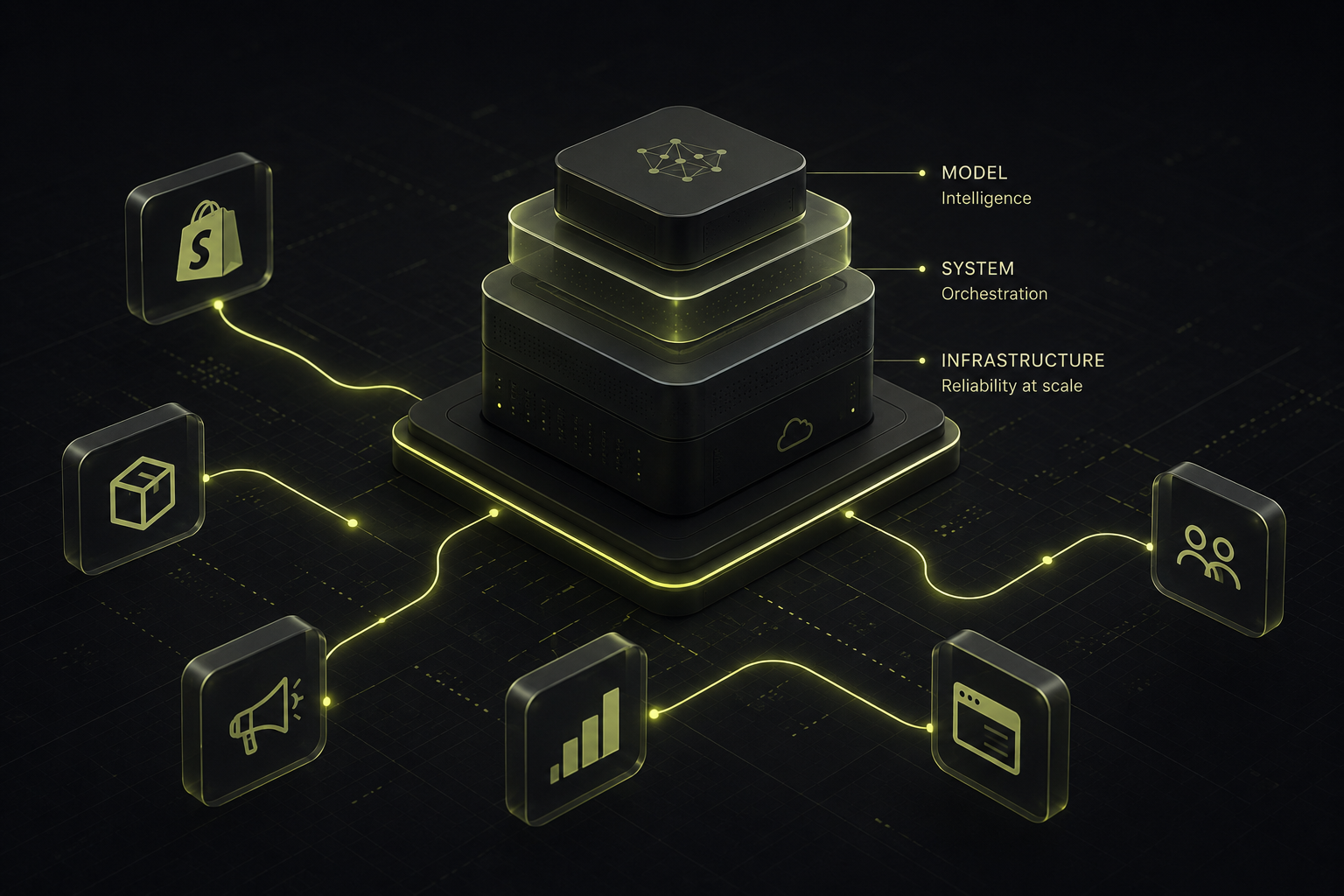
This is also the logic we ended up following while building SellerClaw. We connected the system to a real Shopify store, and very quickly the work that mattered most was not some abstract "AI for ecommerce" promise. It was the operational work inside the store, the part that decides whether products stay accurate, usable, and profitable.
Start with the store, not the campaign dashboard
If a product page is out of date, if the margin changed with the cost and nobody caught it, if inventory is drifting, if tracking updates need hand work every day, the store does not have a traffic problem yet. It has a store problem.
That is where automation pays first.
In plain terms, this covers the jobs that keep the storefront in shape:
- product and catalog management
- inventory monitoring
- pricing automation and margin checks
- order management
- tracking and routine updates
Some teams handle this with Shopify Flow. Some add inventory management software. Some wire up a Shopify API and build their own internal logic around it. The stack can vary. The pattern does not. If the store still depends on somebody checking the same operational details every day, that work belongs at the front of the automation queue.
There is a direct business reason for that. Cleaner product data supports conversions. Better pricing control protects margin. Better inventory visibility means fewer unpleasant surprises. None of this sounds glamorous, but this is the layer that determines whether growth is actually useful when it arrives.
Product research comes next, because growth slows down there long before anyone notices
Once the store is not wobbling all week, the next drag usually shows up in product research.
This is one of those jobs that looks lighter from the outside than it feels in reality. Finding products is not the same thing as deciding what belongs in the store. A product can look promising in a trend feed and still be wrong for the catalog, wrong on margin, wrong on supplier fit, or simply too weak to justify the work of launching it.
We ran straight into that ourselves. After connecting SellerClaw to Shopify, Google, and Meta, the next real problem was not access. The hard part was deciding what was worth adding in the first place, and how that product should actually be published once it passed the first filter.
That is why our product research agents ended up pulling from search trends, social platforms, geography, and storefront context. Even then, selection was only half the job. Once a product is chosen, it still has to become something usable in the store, with the right angle, the right description, and content that makes sense in that storefront.
If that whole flow stays manual, the catalog grows more slowly than it should. Good products arrive late. Weak ones sit around too long. Expansion starts to feel heavier than it should, even when demand is there.
That is the second place to automate.
Ads can wait until the store can actually use the traffic
Advertising belongs in the picture. It just does not belong at the beginning.
When store operations are still messy and product research is still slow, ad automation mostly increases the amount of pressure on the same weak spots. More traffic reaches product pages that are not quite right yet. More spend hits a store that still needs too much hand work behind the scenes. The problem becomes bigger, not better.
Once the store is stable and the product pipeline is moving properly, the value of ad automation changes. At that point campaign reporting, budget shifts, testing, and channel coordination are helping a business that already knows how to absorb growth.
That sequence matters more than people like to admit. Stores do not get stronger because more things are automated. They get stronger because the right work is automated in the right order.
A simpler way to decide what comes first
If you are trying to choose your first workflow, it helps to ignore the tool names for a moment and ask a harder question.
Where does manual work still interfere with profit?
- If the answer is pricing drift, stock gaps, messy catalog updates, and constant store follow-up, start there.
- If the store is already in decent shape but new product decisions still take too long, move into product research.
- If both of those are under control and growth is now limited by campaign execution, then ad automation has a clear place.
That is a much more useful way to think about Shopify automation than treating every workflow as equally urgent.
One more thing about tools
A lot of stores end up with one tool for catalog tasks, another for inventory management, another for research, and something else for ads. Each one can be useful. The problem starts when the owner is still the person stitching all of it together by hand.
That is also where a plain Shopify Flow setup stops being the whole answer. It can automate tasks inside the store very well. It does not solve the larger operational chain by itself: what should enter the store, how it gets validated, how it gets turned into a real listing, and how those decisions connect back to day-to-day store management.
That broader workflow is the reason SellerClaw exists in the first place.
Conclusion
The first thing to automate in a Shopify store is the work that keeps the store accurate, sellable, and profitable while the business is running.
That starts with the store itself: inventory, pricing, product data, orders, tracking, and the routine operational work that protects conversions and margin. After that, product research becomes the next obvious target. Ads make sense later, when the store is ready to benefit from the traffic instead of merely absorbing it.