 SellerAI
  SellerCartA store of your own
How to Write Shopify Product Descriptions That Sell
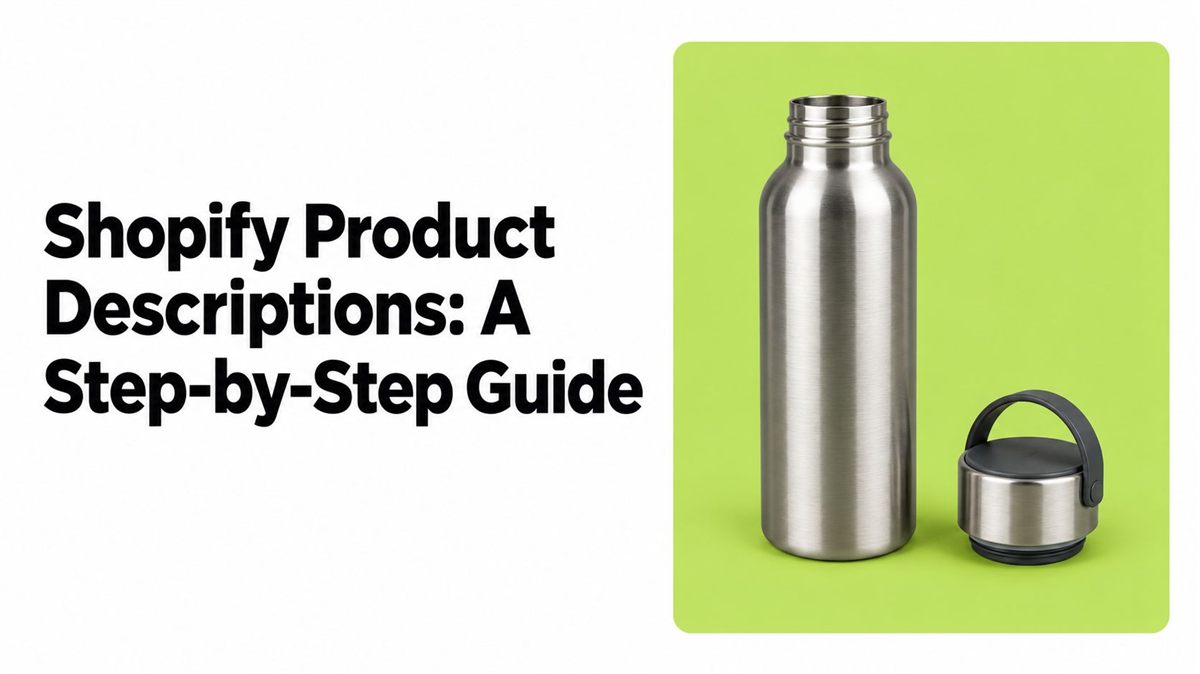
A good product description answers the buyer's questions before they leave to look elsewhere: what it is, what it's made of, its size, what fits it, what's in the box. Write it from checked facts, not supplier slogans, and keep the page, the search snippet and your Google feed saying the same thing.
| Start with | A fact sheet per product: material, size, compatibility, what's included |
| Write in order | What it is → what it's for → specs and limits → delivery and returns |
| Keywords | Title, first sentence, one subheading, specs. Not every paragraph |
| Check | Every claim against the supplier record before you publish |
Why it matters
Detailed descriptions are now the norm. Baymard found that 90% of the top-60 e-commerce sites keep a high, consistent level of detail in their descriptions (Baymard's product description research). If your page says "premium quality" but not the size or material, the buyer goes to find it somewhere else.
For a practical way to organise the work, see this guide to research and structure for product copy.
1. Collect the facts first
For each product, write down: brand, model, material, size, weight, compatibility, variants, price, stock, delivery and returns. Drop any claim the supplier record can't back up.
| Supplier copy | Fact you can check |
|---|---|
| "Strong and lightweight" | "Aluminum frame, 1.2 lb, carry strap and mounting screws included" |
Made-up example. More on building the fact sheet before writing: product description writing process.
Where to find buyer words for free: customer messages, reviews, return reasons, support questions and Google's search suggestions. Reading competitor reviews shows what buyers worry about. Don't copy their wording.
2. Write in the same order every time
- What it is and who it's for.
- What it does for the buyer: one checked feature turned into a benefit.
- The details that decide the purchase: specs, what's included, limits, care, delivery.
- Easy to scan on a phone: short paragraphs, specs on separate lines.
Don't paste the manufacturer's text. Shopify warns it "might already be used by other websites" and recommends unique copy (Shopify's SEO guidance).
Example, a made-up insulated bottle:
- Before: "A high-quality bottle that keeps drinks cold. Perfect for every adventure."
- After: "A 20 oz insulated bottle with a screw-top lid. Fits standard car cup holders. Includes one bottle and one lid."
The second version gives capacity, lid, fit and contents. Don't add "keeps ice for 24 hours" unless the supplier can prove it.
3. Put keywords where they're read
- Product title and the first sentence: what the product is.
- One subheading and the spec lines, where the term fits naturally.
- Search listing (title and meta description). Shopify recommends about 160 characters for the description; Google may show less on phones, so put the important part first.
Meta description, before: "Shop our bottle. Great quality and fast shipping." After: "20 oz insulated bottle with a screw-top lid that fits car cup holders."
Check impressions and clicks in Google Search Console. For the rest of the page: Shopify SEO.
4. Make every field say the same thing
| Field | What goes there |
|---|---|
| Product title | What it is + one detail that sets it apart |
| Description | Checked benefits, specs, use, limits |
| Search listing title and description | A short, unique summary |
| Type and tags | The right category and filters |
| Variants | Sizes and colors that are really in stock |
| Image alt text | What the picture actually shows |
If you sell through Google Shopping, the feed description has its own rules: up to 5,000 characters, no promo text like "free shipping", no all-caps, no links to other products (Google Merchant Center product data specification). "FREE SHIPPING!!! See our other mugs" goes; "Blue ceramic mug, 12 oz" stays.
Manual, template or AI
| Way | Good for | Watch out |
|---|---|---|
| Write by hand | A few hero products | Slow on a big catalog |
| One template | Many similar products | The details still need changing per item |
| AI drafts | Large catalogs | Check every claim before publishing |
Test what changed
A new description doesn't guarantee more sales. Change one thing at a time and keep the rest of the page the same. Compare the same period before and after:
- add-to-cart rate and conversion (Shopify analytics);
- refunds and "not as described" returns;
- impressions and clicks (Search Console).
A clear description reduces confusion. It can't fix a high price, slow delivery or a weak product. More ideas: how to increase sales on Shopify.
How long should it be? Shopify suggests at least 250 words of descriptive text per page. Treat it as a guide, not a rule: enough to answer the buyer's questions, no padding.
How SellerAI helps
SellerClaw connects to your Shopify store and works with your real product data, inside Claude or ChatGPT or as an agent in the SellerClaw app and Telegram. It drafts and rewrites descriptions, adds the words buyers search for and fills missing product details. Nothing goes live until you approve it.
Example request: "Rewrite the description of my 20 oz insulated bottle using only the facts in its product record. Flag anything you can't verify."
Start with your best seller: rewrite it, note the numbers before, compare in two weeks. Start free with SellerClaw.